A browser that minds its own business. Native on Mac, private by default, and quiet enough that the page is all you see.
For macOS 14 Sonoma or later.
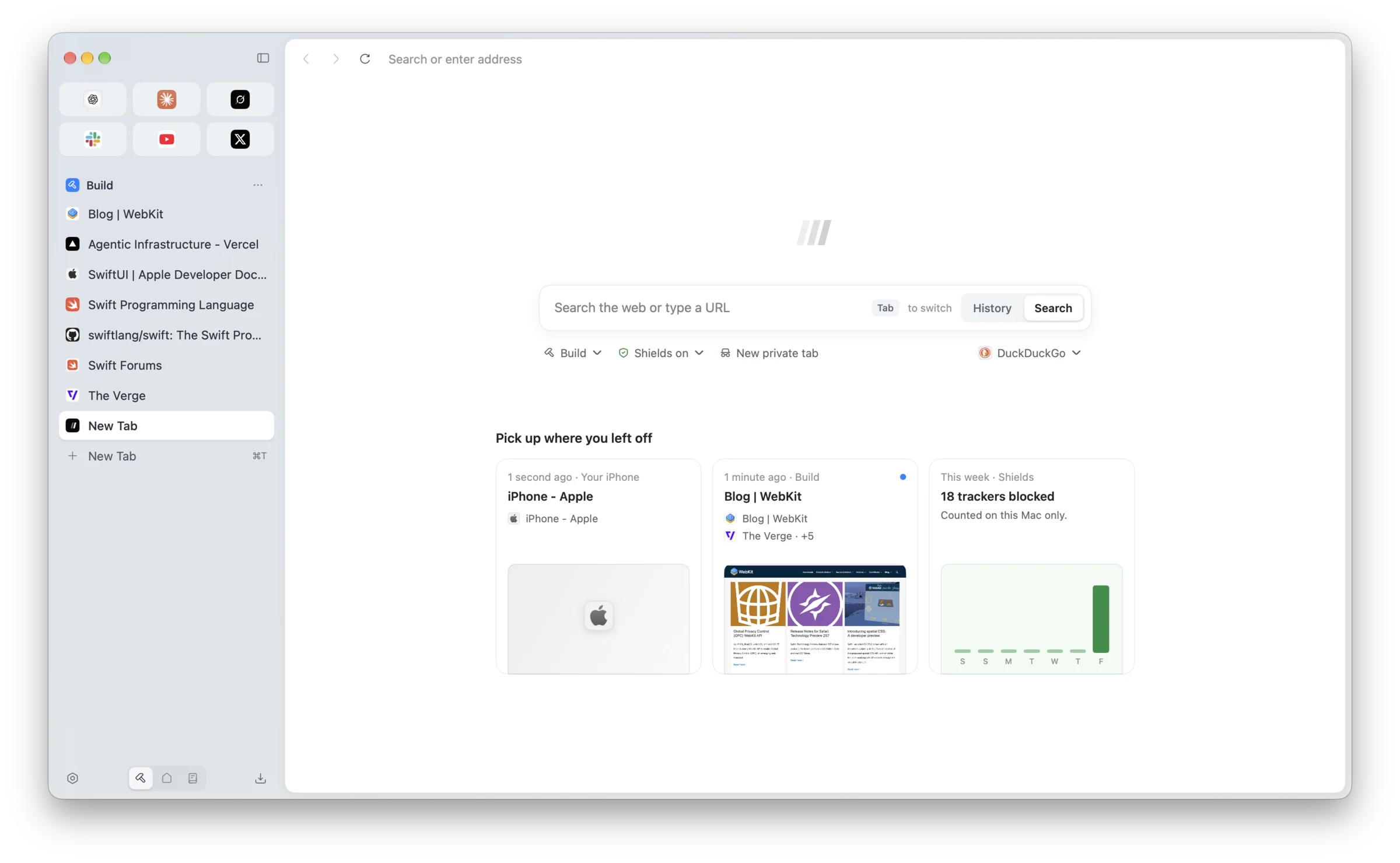
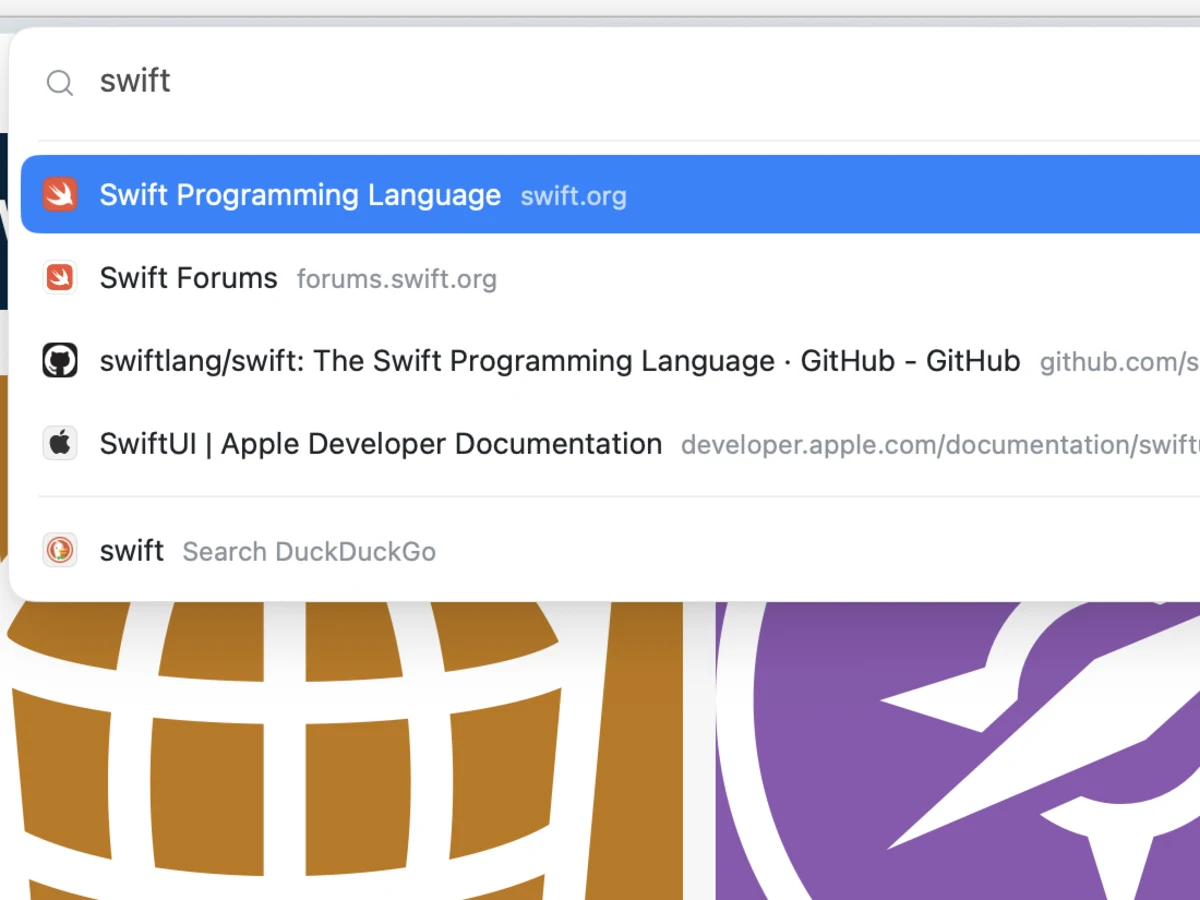
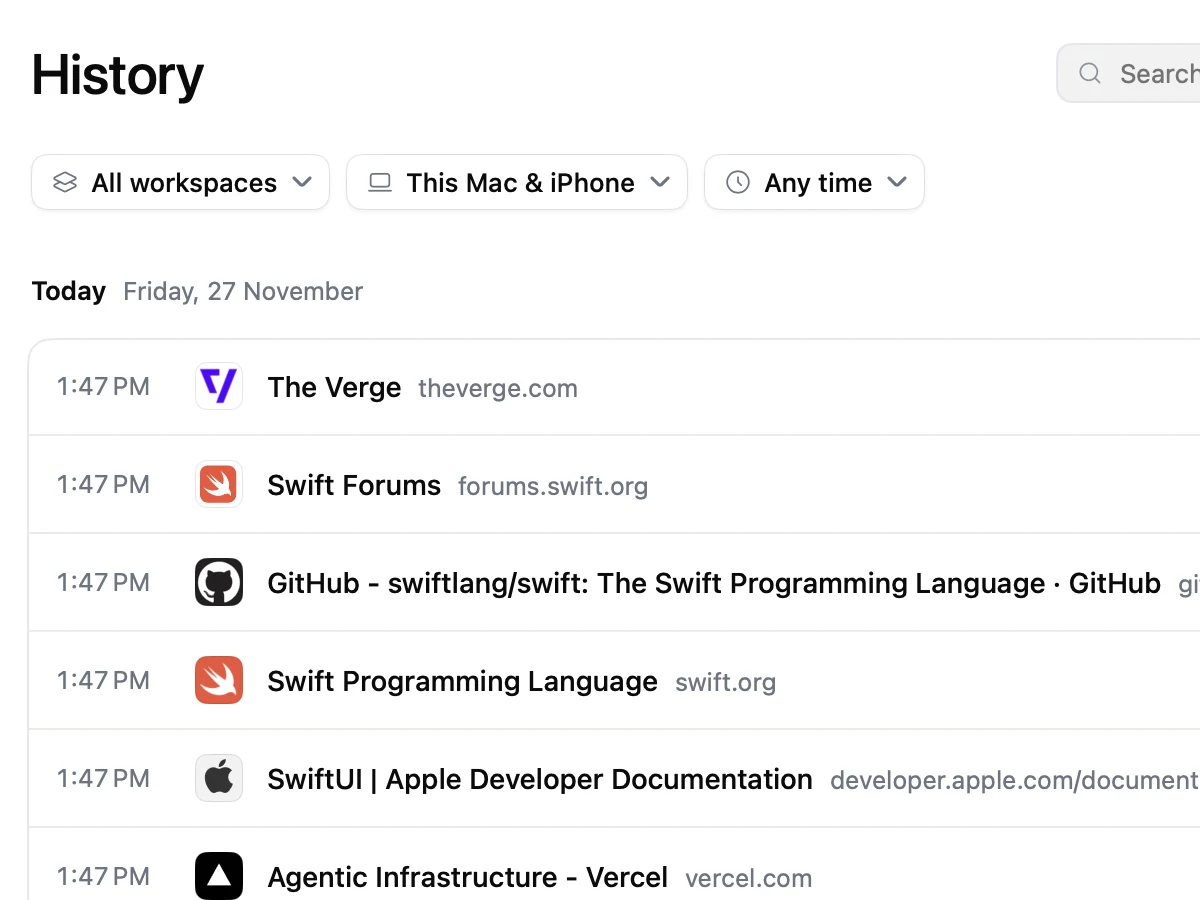
Quiet by design. Shields that work without asking, a command bar that finds what you already have open, and history that forgets.
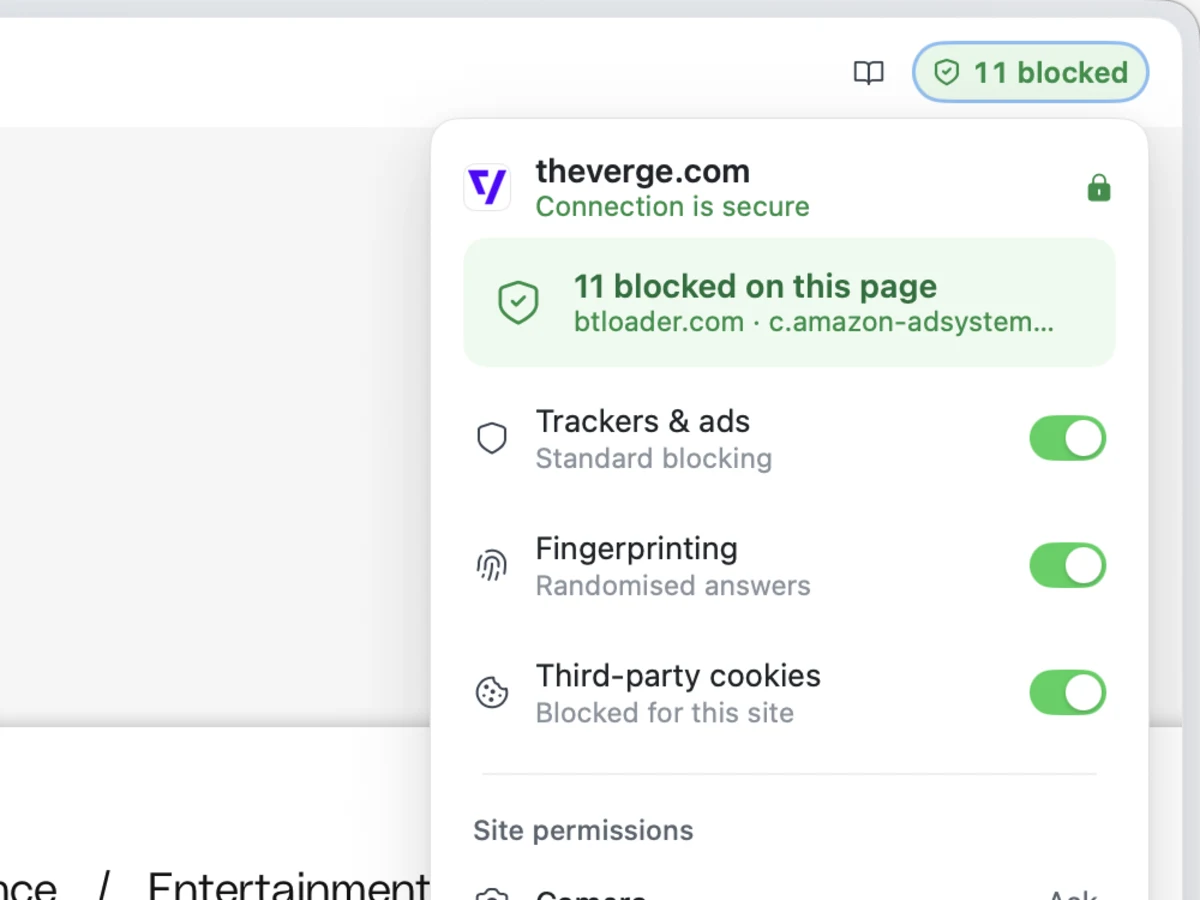
Private by default, not by setting. Nothing phones home. There is no account, no telemetry and no AI. Your tabs and notes stay yours.
Workspaces. Build, Personal, Research, or as many as you like, each with its own logins, colour and icon. Switch with ⌃1–9 or a swipe.
Vertical tabs. Tabs live in a translucent sidebar, pinned sites in a grid above them. The page gets the rest of the screen.
Native, not wrapped. AppKit and SwiftUI on WebKit, with real system materials. Not Electron, not a Chromium fork.
Encrypted sync. Tabs, notes and history sync through iCloud, encrypted on your devices before they leave.
Command bar. Press ⌘L to open a site, search, find an open tab or anything in your history.
History that forgets. Kept on your Mac for 90 days, then gone. Remove a visit, a site or a whole day.
Everyday tools. Reader mode, picture in picture, find in page, and passwords from iCloud Keychain.
Bring your browser. Import bookmarks and history from Safari, Chrome, Arc or Zen in one step.
iPhone companion. Pick up your Mac tabs on the go, and clip to the same notes.
Coming soonEverything is a keystroke away. ⌘L to go anywhere, ⌃1–9 to switch workspaces, and ⇧⌘K to clip a page to a note.
Which Macs can run Velocity?
Any Mac running macOS 14 Sonoma or later.
What engine does Velocity use?
WebKit, the engine behind Safari, so pages look and behave the way they do there. Velocity is not a Chromium fork.
Does Velocity collect analytics?
No. There is no telemetry and no account. Crash reports are off unless you turn them on in Settings › About, and even then they stay on your Mac.
How does sync work?
Through your own iCloud account. Tabs, notes and history are encrypted on your devices before they leave, and only your devices hold the key. A recovery key gets you back in if you lose them.
Which search engine does it use?
DuckDuckGo by default. You can pick Kagi, Brave Search, Google or Startpage instead, and add @ keywords for each. Velocity has no search-partner deals.
Can I bring my bookmarks and history?
Yes. Import from Safari, Chrome, Arc or Zen. For passwords, export a CSV from your old browser and import it in Settings › Passwords.
Does Velocity run extensions?
Not yet. Safari Web Extensions are being looked at for a later version.
Does Velocity have AI features?
No, on purpose. Velocity is a browser, and that is the whole job.
How do updates work?
Velocity checks for signed updates and installs them when you relaunch. You can turn automatic checks off in Settings › About.